> For the complete documentation index, see [llms.txt](https://docs.apptiflo.com/llms.txt). Markdown versions of documentation pages are available by appending `.md` to page URLs; this page is available as [Markdown](https://docs.apptiflo.com/application-docs/order-builder/how-do-i-update-a-build-order-issue-pos.md).
# How do I update a Build Order / Issue POs?
{% hint style="warning" %} **Edit and View** Build access is required.
{% endhint %}
### Step 1
Navigate to Dashboard, select **Builder** on the Side Navigation Menu.
Click **Edit**.
### Step 2
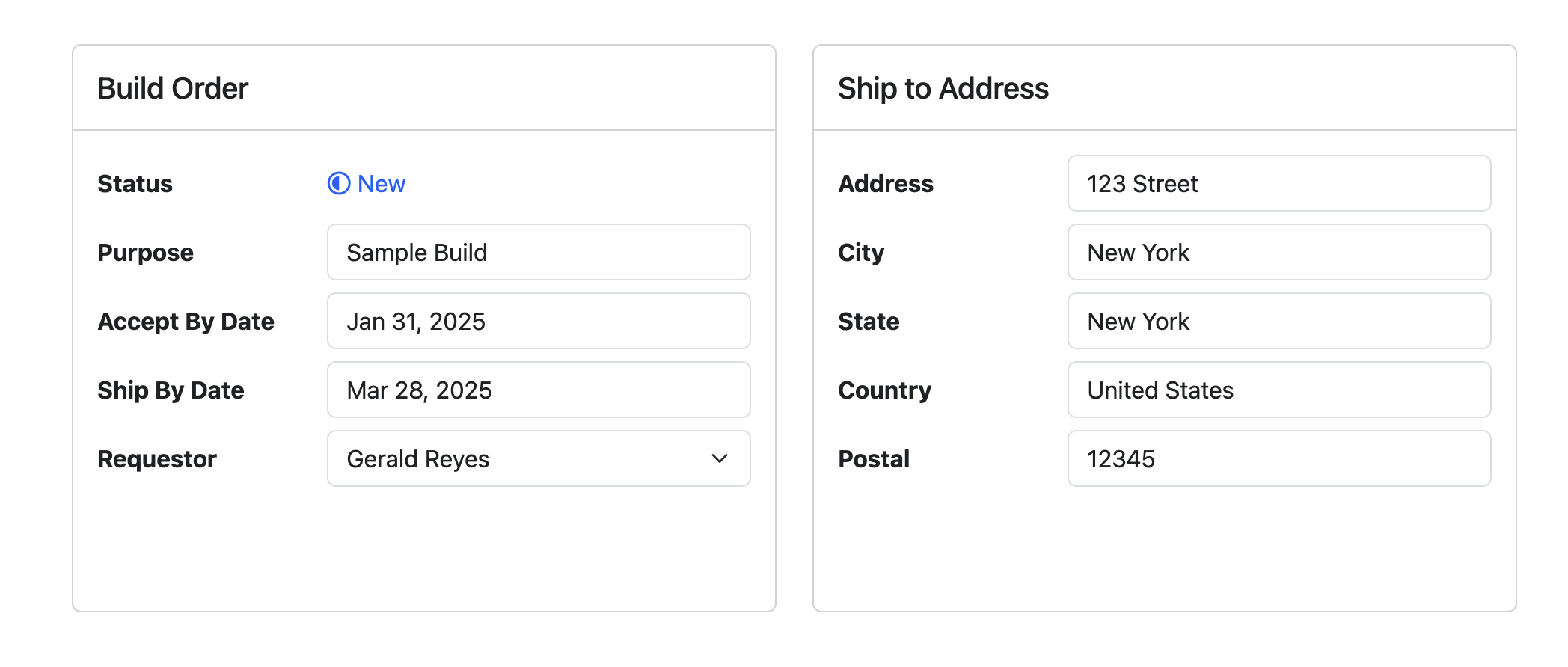
Update fields as needed which will be applied to all new created POs.
### Step 3
Update Build Items as needed.
{% content-ref url="/pages/Fp28z3oGOTFHefiWbL7W" %}
[How do I update a Listing Build Item?](/application-docs/order-builder/how-do-i-update-a-listing-build-item.md)
{% endcontent-ref %}
{% content-ref url="/pages/lgtpx07YqyvnBbZHeGu6" %}
[How do I update a Product Build Item?](/application-docs/order-builder/how-do-i-update-a-product-build-item.md)
{% endcontent-ref %}
{% content-ref url="/pages/Wf8zg4ezfQR7Iyv6MH51" %}
[How do I delete a Sales Order Build Item?](/application-docs/order-builder/how-do-i-delete-a-sales-order-build-item.md)
{% endcontent-ref %}
### Step 4
Click **Save** or **Create New POs**.
If you choose **Create New POs**, click Create.