> For the complete documentation index, see [llms.txt](https://docs.apptiflo.com/llms.txt). Markdown versions of documentation pages are available by appending `.md` to page URLs; this page is available as [Markdown](https://docs.apptiflo.com/application-docs/catalogs/how-do-i-add-a-catalog-promo.md).
# How do I add a Catalog Promo?
{% hint style="warning" %} **Edit and View** Catalog access is required.
{% endhint %}
### Step 1
Navigate to Dashboard, select **Catalogs** on the Side Navigation Menu.
Click **Edit**.
### Step 2
Select the **Promos** Tab and click **Add Promo**.
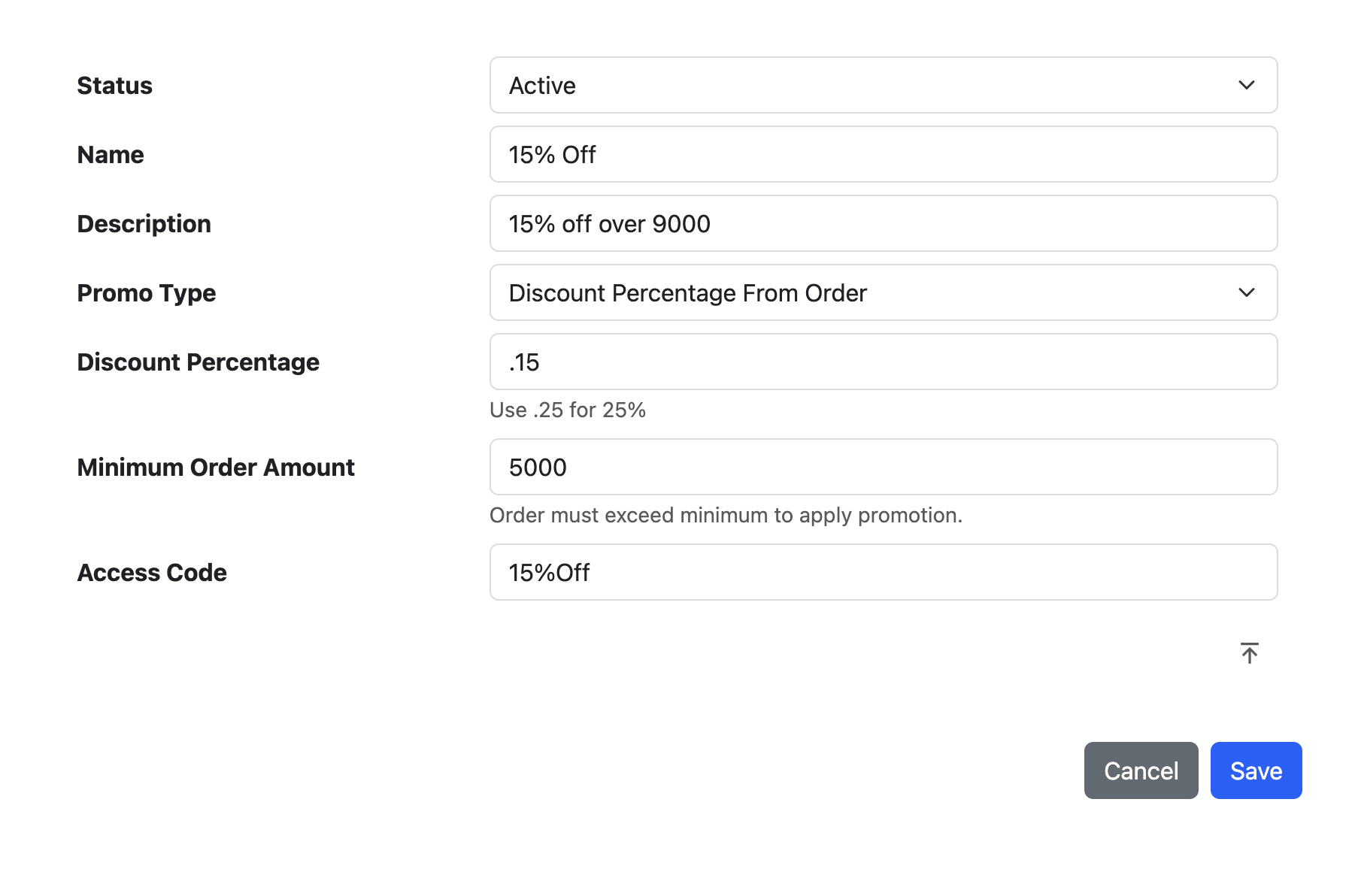
### Step 3 (Option 1) - Percentage Discount
Select **Discount Precentage from Order** as Promo Type. Customers will enter the Access Code in their orders to apply this Promo. Click **Save**.
### Step 3 (Option 2) - Amount Discount
Select **Discount Amount from Order** as Promo Type. Customers will enter the Access Code in their orders to apply this Promo. Click **Save**.